
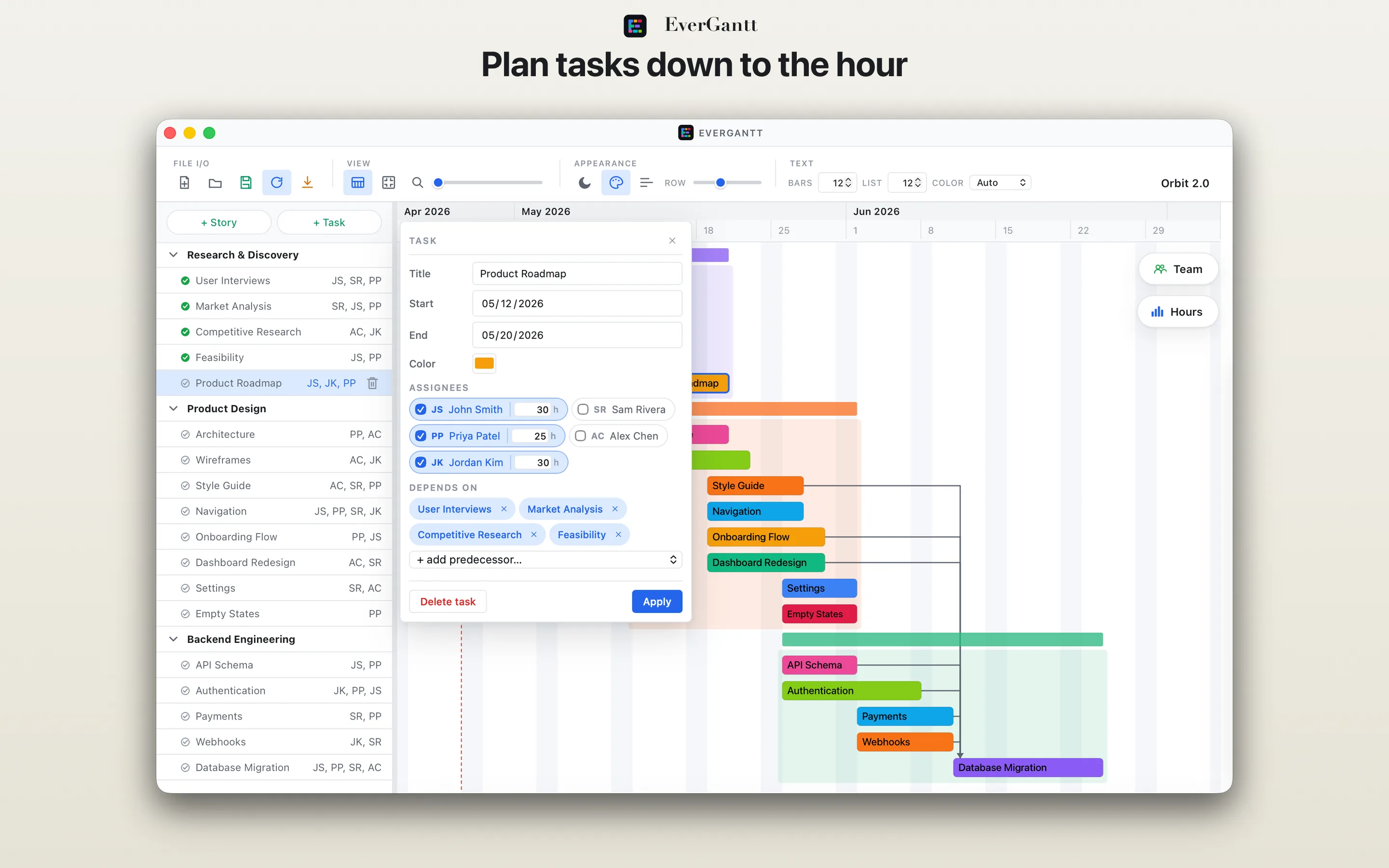
Plan down to the hour.
Multi-assign teammates and log estimates per task.
Native macOS · Mac App Store
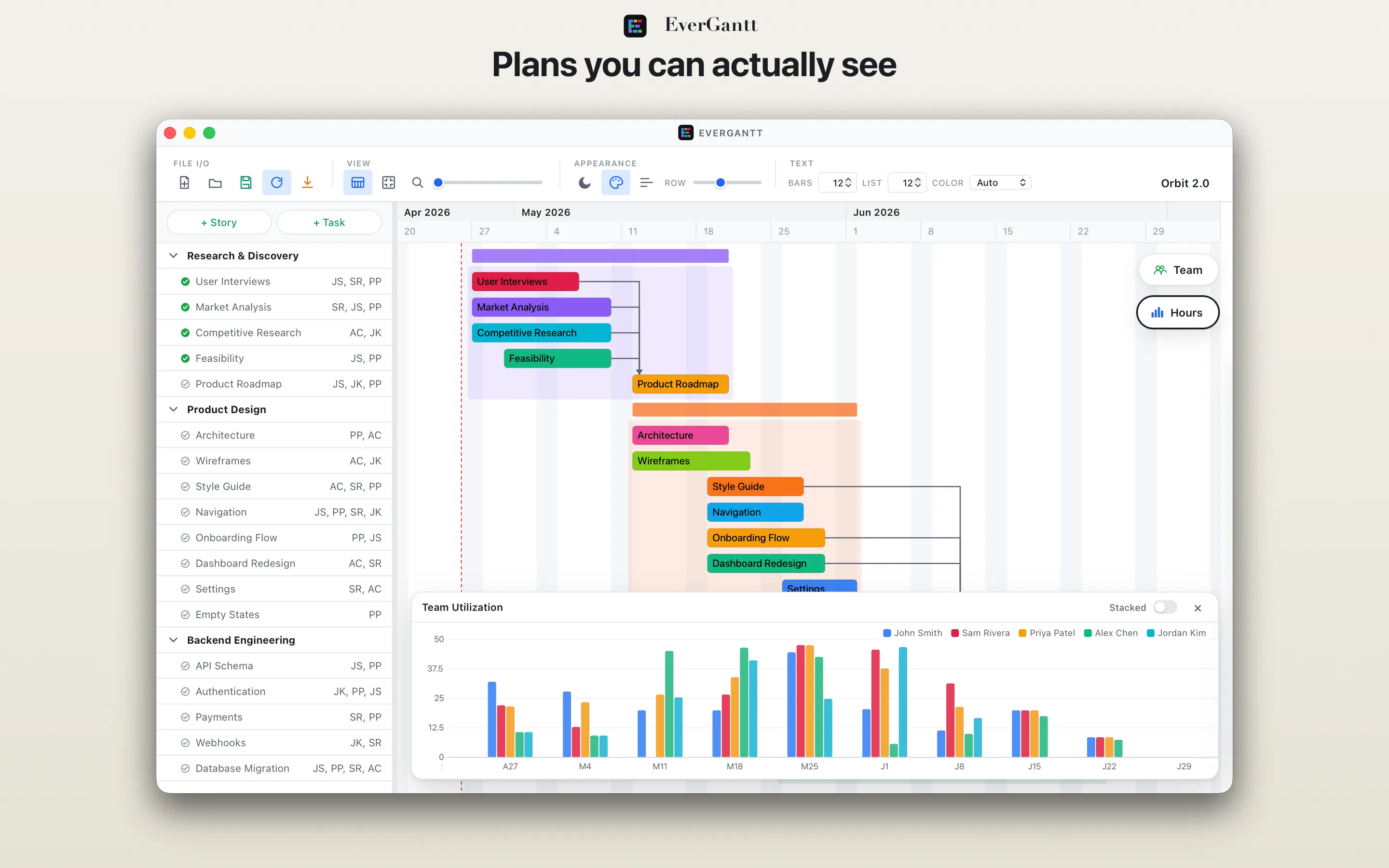
Plan projects, track dependencies, and see team capacity — without leaving the chart.
The whole picture
Stories group your tasks. Dependencies show what's waiting on what. The floating capacity panel reveals weekly hours per teammate. All in one window.
Multi-assign teammates and log estimates per task.
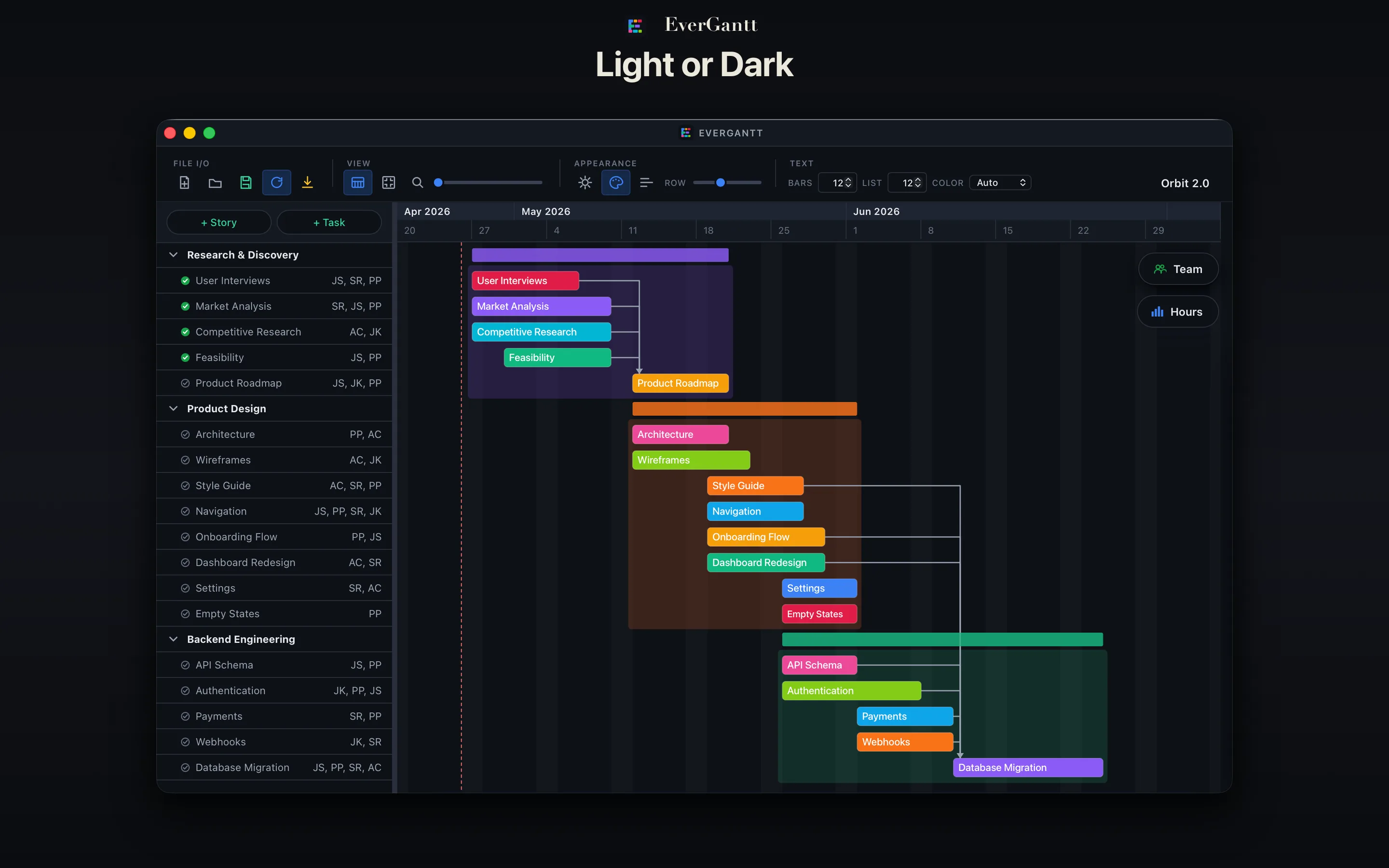
Polished dark mode that follows your system preference.
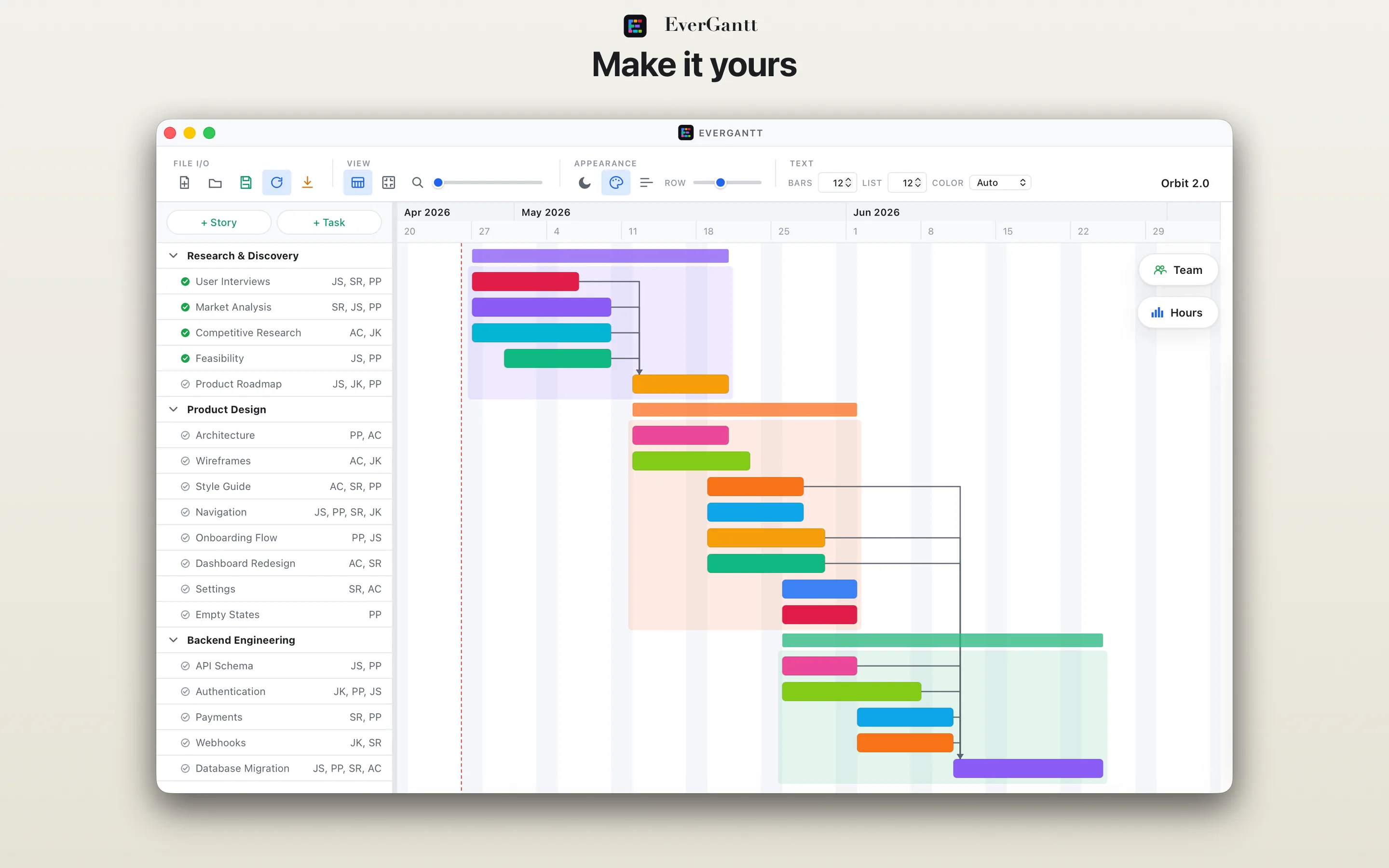
Custom colors, label placement, and row sizing.
.evgnt JSON you own.
EverGantt is $2.99 on the Mac App Store. One purchase, no subscription.